UDGAM Portal: Check Unclaimed Bank Deposits Online (RBI Guide)
UDGAM portal (Unclaimed Deposits – Gateway to Access Information) is a centralized online platform launched by the Reserve Bank of India (RBI) to help people search for unclaimed bank deposits across multiple banks in one place. If you or your family members have old, inactive bank accounts, fixed deposits or forgotten balances, UDGAM makes it easier to find and start the process of claiming those funds.
What is the UDGAM portal?
UDGAM stands for Unclaimed Deposits – Gateway to Access Information. It is an RBI-developed web portal that allows registered users to search for unclaimed deposits and inoperative accounts reported by participating banks. These include savings accounts, current accounts, fixed deposits and other balances that have been inactive for 10 years or more and transferred to the RBI’s Depositor Education and Awareness (DEA) Fund.
Instead of visiting each bank’s website or branch separately, users can search across multiple banks from a single interface, making the process faster and more convenient.
Why was the UDGAM portal created?
The amount of unclaimed deposits in the Indian banking system has been rising steadily, with large sums lying idle in old or forgotten accounts. Many depositors move cities, change banks, or pass away without informing their heirs, leaving money unclaimed. To address this, RBI launched the UDGAM portal with the following objectives:
- Improve accessibility: Provide a single, user-friendly platform to search unclaimed deposits across multiple banks.
- Increase awareness: Inform people that unclaimed deposits exist and can be claimed by rightful owners or legal heirs.
- Reduce unclaimed deposits: Make it easier to identify and claim such funds, thereby reducing the overall unclaimed amount in the system.
- Promote financial inclusion: Ensure that individuals and families can access money that rightfully belongs to them.
How does the UDGAM portal work?
The UDGAM portal works as a centralized database where participating banks regularly submit details of unclaimed deposits and inoperative accounts. Users can then search this database using basic personal information.
1. Data submission by banks
Banks upload information about unclaimed deposits to the portal, including the account holder’s name, bank name and other identifiers. Only deposits that have been classified as unclaimed and transferred to the DEA Fund are searchable on UDGAM.
2. User registration
To use the portal, users must first register by providing their name and mobile number and verifying it via OTP. After registration, they can log in and access the search feature.
3. Search functionality
Once logged in, users can search for unclaimed deposits by entering details such as:
- Name of the account holder
- Name of the bank (one or more banks)
- PAN, voter ID, driving licence, passport number or date of birth (for individuals)
- For non-individuals: entity name, authorised signatory name, PAN, CIN or date of incorporation
Even if some details are missing, users can try searching using available information like address.
4. Viewing search results
The portal displays a list of potential matches based on the entered criteria. Users can review the bank name and basic details to see if any entry corresponds to their or their family’s unclaimed deposit.
5. Initiating the claim process
UDGAM itself does not settle or release funds. It only helps you identify potential unclaimed deposits and provides information on how to claim them from the respective bank. Once a match is found, users must contact the concerned bank branch and follow its claim procedure.
Benefits of using the UDGAM portal
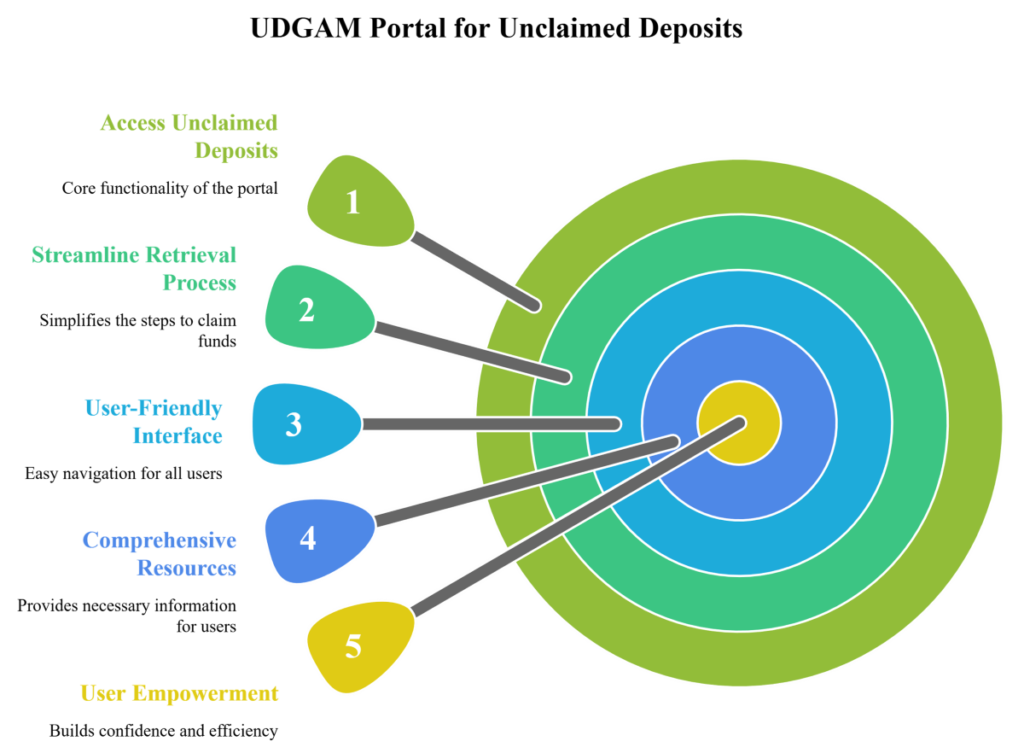
- Single platform: Search unclaimed deposits across multiple banks in one place instead of visiting each bank separately.
- Convenience: Online access from anywhere with an internet connection.
- Transparency: Clear information about unclaimed deposits and the claim process.
- Efficiency: Faster identification of possible unclaimed accounts, saving time and effort.
- Free of cost: Using the UDGAM portal is free for users.
Step-by-step guide: How to use the UDGAM portal
Step 1: Visit the official UDGAM portal
Go to the official UDGAM portal link available through the RBI website or directly via the UDGAM login page. Always ensure you are on the genuine RBI-linked website to avoid fraud.
Step 2: Register as a new user
Click on “Register” or “Sign Up” and provide your name and mobile number. Verify your mobile number using the OTP sent to you and create a secure password.
Step 3: Log in to your account
Use your registered mobile number and password to log in to the portal.
Step 4: Initiate a search
Select the option to search for unclaimed deposits. Enter the required details such as:
- Account holder’s name
- Bank name(s)
- Any one or more of PAN, voter ID, driving licence, passport number or date of birth (for individuals)
- For entities: entity name, authorised signatory, PAN, CIN or date of incorporation
Step 5: Review search results
The portal will show a list of possible matches. Carefully review the bank name and other details to identify if any entry belongs to you or your family.
Step 6: Start the claim process with the bank
If you find a match, note down the details and follow the instructions provided on the portal to contact the respective bank. The actual claim and settlement process happens directly with the bank, not through RBI or the UDGAM portal.
Documents required to claim unclaimed deposits
While requirements may vary by bank, typically you may need:
- Valid identity proof (PAN, Aadhaar, passport, etc.)
- Address proof
- Old passbook, deposit receipt or account details (if available)
- Proof of relationship or legal heirship in case of deceased account holders
Important precautions and considerations
- Verify details with the bank: Always confirm the information with the concerned bank before proceeding with any claim.
- Accurate information: Provide correct and complete details while searching to improve the chances of finding a match.
- Bank’s discretion: The final decision on claim approval rests with the bank after verifying documents and eligibility.
- Beware of fraud: Use only the official UDGAM portal and RBI website. Do not share personal or financial details with unverified websites or individuals claiming to help with unclaimed deposits.
Conclusion
The UDGAM portal is a powerful tool for individuals and families who suspect that they may have forgotten or unclaimed deposits in old bank accounts. By bringing information from multiple banks onto a single platform, it simplifies the search process and increases the chances of recovering long-forgotten funds. If you or your relatives have held bank accounts that have not been operated for many years, checking the UDGAM portal is a smart first step.
FAQs on UDGAM portal and unclaimed deposits
1. Is UDGAM an official RBI portal?
Yes. UDGAM (Unclaimed Deposits – Gateway to Access Information) is an online portal developed by the Reserve Bank of India to help users search unclaimed deposits across participating banks.
2. Can I claim my money directly through the UDGAM portal?
No. The UDGAM portal only helps you search and identify potential unclaimed deposits and provides information on the claim process. The actual claim and settlement are handled by the respective bank.
3. Do all banks appear on the UDGAM portal?
As of now, a large number of major banks are part of the UDGAM portal, covering a significant share of unclaimed deposits, and more banks are being added over time.
4. Is there any fee to use the UDGAM portal?
No. Using the UDGAM portal to search for unclaimed deposits is free of charge for users.
5. Who can use the UDGAM portal?
Both individuals and non-individual entities (such as companies or institutions) can use the portal to search for unclaimed deposits, using the relevant identification details.